[institute_section id=”63″]
Hyderabad • Classroom & Online Training
Video Editing Course in Hyderabad
Become a job-ready video editor with hands-on training in Adobe Premiere Pro, After Effects and DaVinci Resolve. Learn editing, colour grading, motion graphics and sound design by working on real projects under the guidance of industry-experienced trainers.
Book a Free Demo Class
Download Syllabus
Course Highlights
-
100% practical, project-based training -
Premiere Pro, After Effects & DaVinci Resolve -
Classroom and live online batches -
Weekday and weekend batch options -
Portfolio and showreel development -
Course completion certificate -
Placement and freelancing assistance
Why Learn With Us
Training Designed for Real Editing Careers
Every class is taught on professional software, with assignments that mirror the work editors do for studios, agencies and YouTube channels.
Industry-Experienced Trainers
Learn from working editors who share practical workflows, shortcuts and client-handling tips.
Hands-On Lab Practice
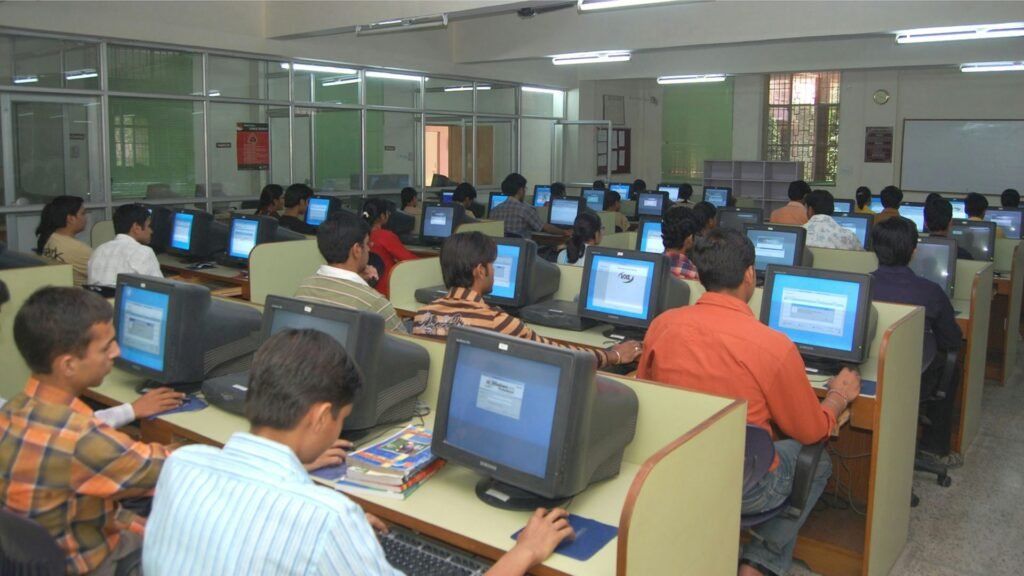
Dedicated practice sessions on editing workstations for every topic covered in class.
Live Projects & Showreel
Edit short films, ads, reels and YouTube videos, and graduate with a professional portfolio.
Placement Assistance
Resume building, portfolio review, interview preparation and guidance for freelance work.
About the Course
Learn Video Editing the Way the Industry Works
Our Video Editing Course in Hyderabad takes you from the basics of cutting and trimming to advanced colour grading, visual effects and motion graphics. The course is structured for beginners, but each module builds towards the standard expected by production houses, digital marketing agencies and content creators.
Small batches ensure that every student receives individual attention, and trainers review your projects at each stage so you improve with every edit.
-
Storytelling, pacing and editing principles -
Multi-camera editing and audio syncing -
Colour correction and cinematic grading -
Titles, transitions and motion graphics -
Editing for YouTube, Instagram Reels and ads -
Exporting for web, broadcast and social media
Tools You Will Master
Professional Software Covered in the Course
Gain confidence on the same applications used across film, television, advertising and online content production.
Adobe Premiere Pro
Timeline editing, multi-cam, audio mixing, captions and professional export workflows.
Adobe After Effects
Motion graphics, kinetic typography, keying, tracking and visual effects compositing.
DaVinci Resolve
Node-based colour correction, cinematic looks, grading workflow and finishing.
Adobe Audition
Noise reduction, voice-over enhancement, music mixing and sound design for video.
Adobe Photoshop
Thumbnails, posters, image retouching and graphic assets for your video projects.
Mobile & Short-Form Editing
Fast editing techniques for Reels, Shorts and social media campaigns.
Course Curriculum
What You Will Learn, Module by Module
MODULE 01
Fundamentals of Video Editing
Film language, shot types, frame rates, resolutions, codecs and organising media for a smooth workflow.
MODULE 02
Adobe Premiere Pro Essentials
Interface, timeline editing, cuts, trims, transitions, keyframes, speed ramps and nested sequences.
MODULE 03
Audio Editing & Sound Design
Syncing audio, noise removal, background music, voice-overs, sound effects and final audio mix.
MODULE 04
Colour Correction & Grading
Scopes, white balance, LUTs and cinematic colour grading in Premiere Pro and DaVinci Resolve.
MODULE 05
Motion Graphics with After Effects
Animated titles, lower thirds, logo reveals, shape layers, expressions and templates.
MODULE 06
Visual Effects & Compositing
Green-screen keying, masking, motion tracking, stabilisation and basic compositing techniques.
MODULE 07
Editing for Digital Platforms
YouTube videos, Instagram Reels, ads and corporate films, with export settings for each platform.
MODULE 08
Portfolio, Showreel & Career Prep
Final live project, showreel creation, resume guidance, interview practice and freelancing basics.
Who Can Join
A Course for Beginners, Creators and Professionals
No prior editing experience is required. If you are comfortable using a computer and enjoy visual storytelling, you can join this course.
-
Students after 10th, Intermediate or Graduation -
Aspiring filmmakers and content creators -
YouTubers and social media managers -
Photographers and videographers -
Digital marketing professionals -
Working professionals planning a career change
Career Opportunities
Where a Video Editing Course Can Take You
Demand for skilled editors keeps growing across media, entertainment, education and digital marketing. After the course you can work in roles such as:
Video Editor
Edit content for production houses, news channels and agencies.
YouTube Content Editor
Create engaging long-form videos and Shorts for creators and brands.
Motion Graphics Artist
Design animated titles, explainers and brand visuals.
Freelance Editor
Work independently with clients in India and abroad.
FAQs
Frequently Asked Questions
Do I need any prior experience to join the video editing course?
No. The course starts from the basics, so beginners can join comfortably. Basic computer knowledge is enough.
You will learn Adobe Premiere Pro, After Effects, DaVinci Resolve, Adobe Audition and Photoshop, along with short-form mobile editing techniques.
Yes. You can choose classroom training at our Hyderabad centre or live online classes, with weekday and weekend batches.
Yes. A course completion certificate is issued after you finish the training and submit your final project.
Do you provide placement assistance?
Yes. We help with portfolio and showreel preparation, resume building, interview preparation and job or freelance opportunities.
How can I book a free demo class?
Click on “Book a Free Demo Class” or call us, and our counsellor will schedule a demo at a convenient time.
Start Your Video Editing Career Today
New batches are starting soon. Book a free demo class and speak with our counsellor about batch timings, fees and career guidance.